
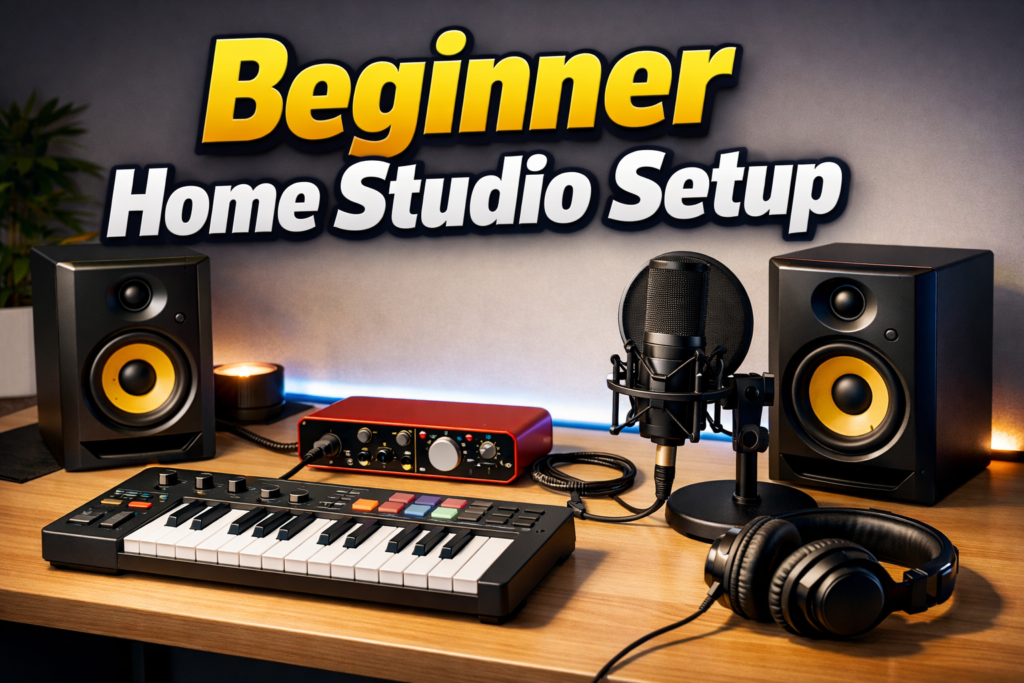
Building a home studio used to feel complicated and expensive. Years ago, recording equipment was reserved for professional studios and large budgets.
Today, things are very different.
With the right gear, it is entirely possible to build a clean, reliable home studio setup capable of producing professional recordings without spending a fortune.
The key is not buying the most expensive equipment, but choosing tools that are trusted, compatible, and designed for beginners.
This guide presents a simple and balanced home studio setup based on gear used by thousands of producers around the world.
| Gear | Recommended Model | Why It’s Great |
|---|---|---|
| Audio Interface Bundle | Focusrite Scarlett Solo Studio (3rd Gen) | Complete beginner recording package |
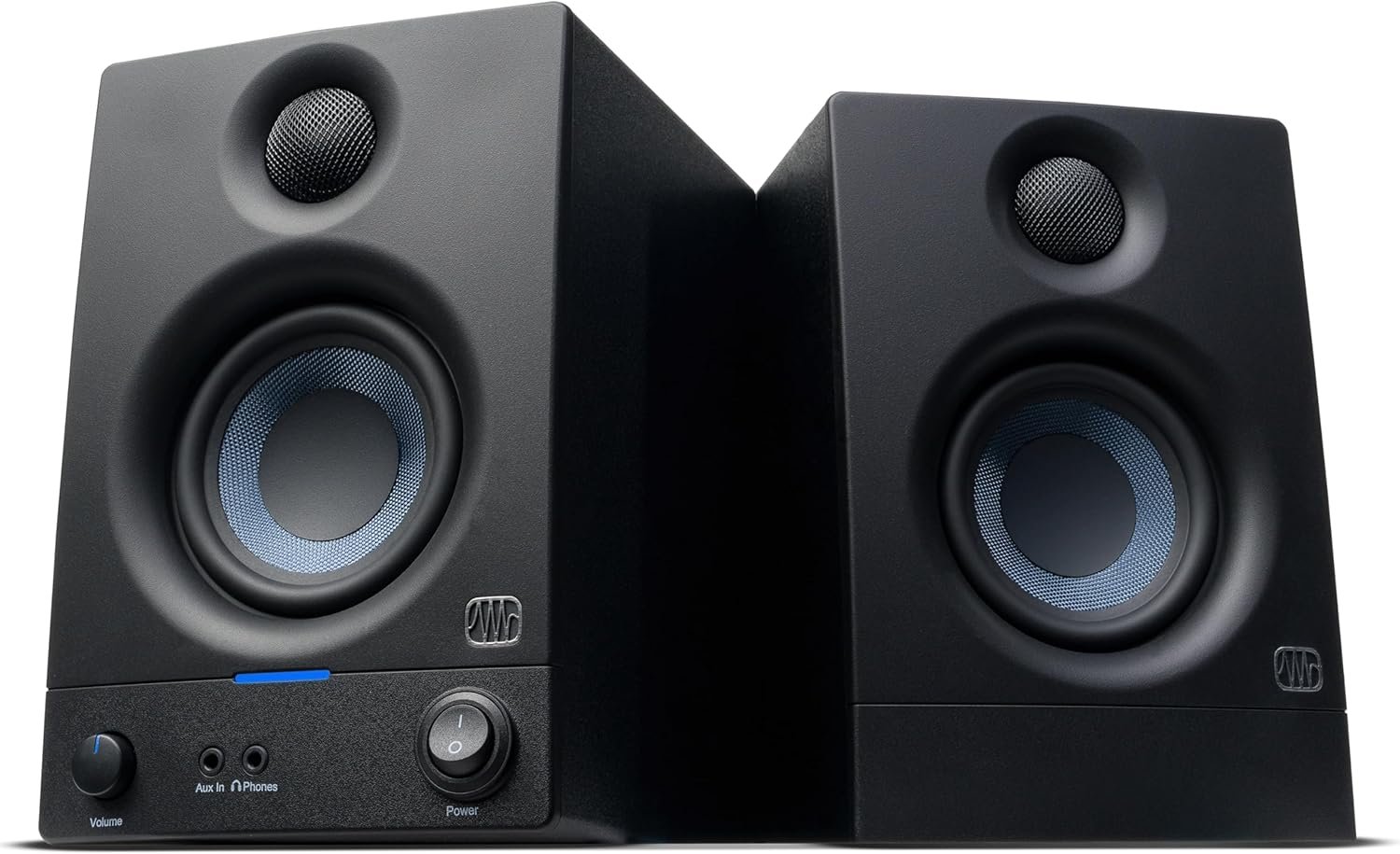
| Studio Monitors | Presonus Eris 3.5 Gen 2 | Compact monitors with balanced sound |
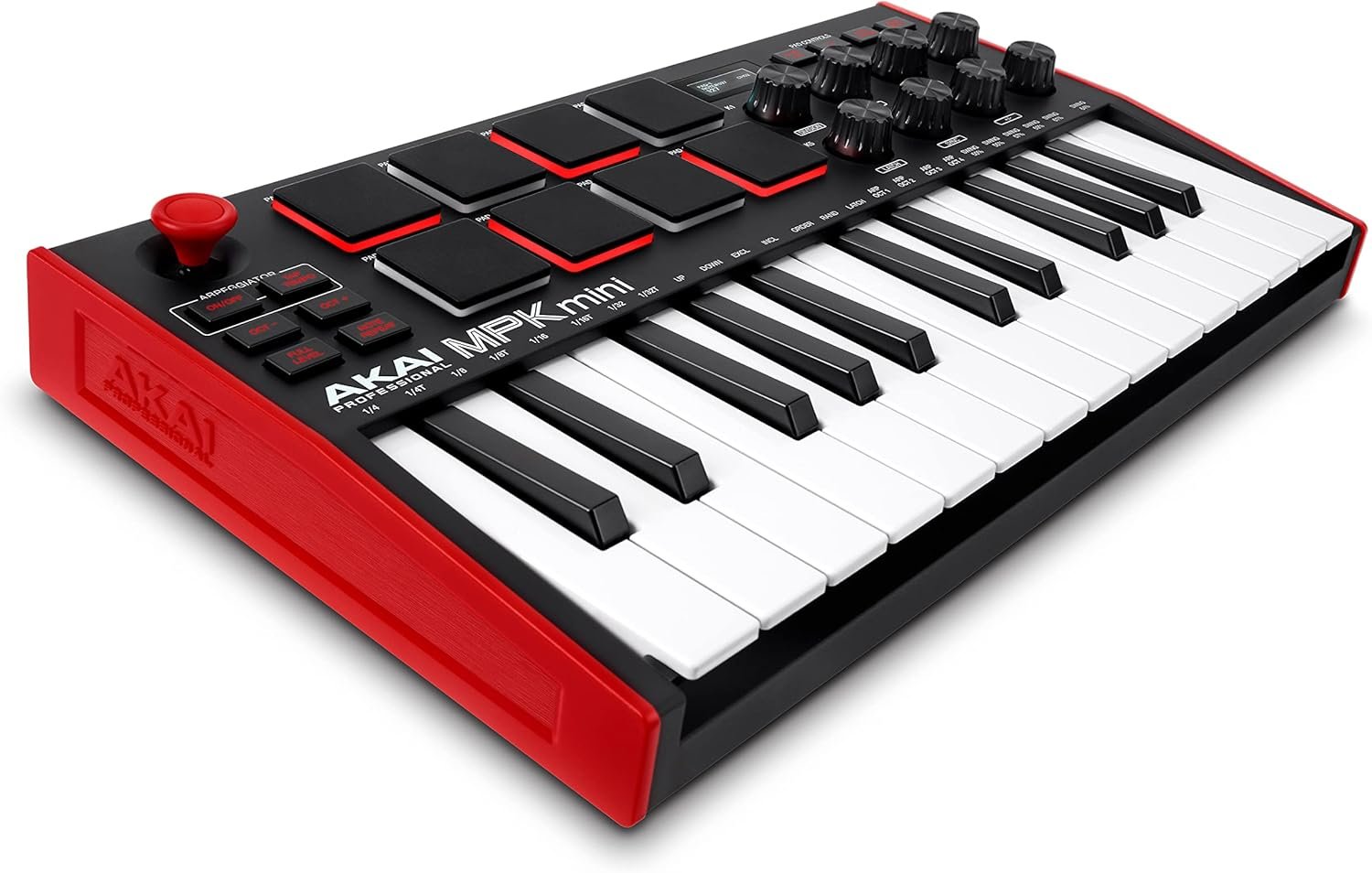
| MIDI Controller | Akai MPK Mini MK3 | Perfect for beat making and melodies |
| DAW | FL Studio | Beginner-friendly workflow |
| Accessories | Microphone stand bundle | Essential for recording vocals |
The Computer The Foundation of Your Studio
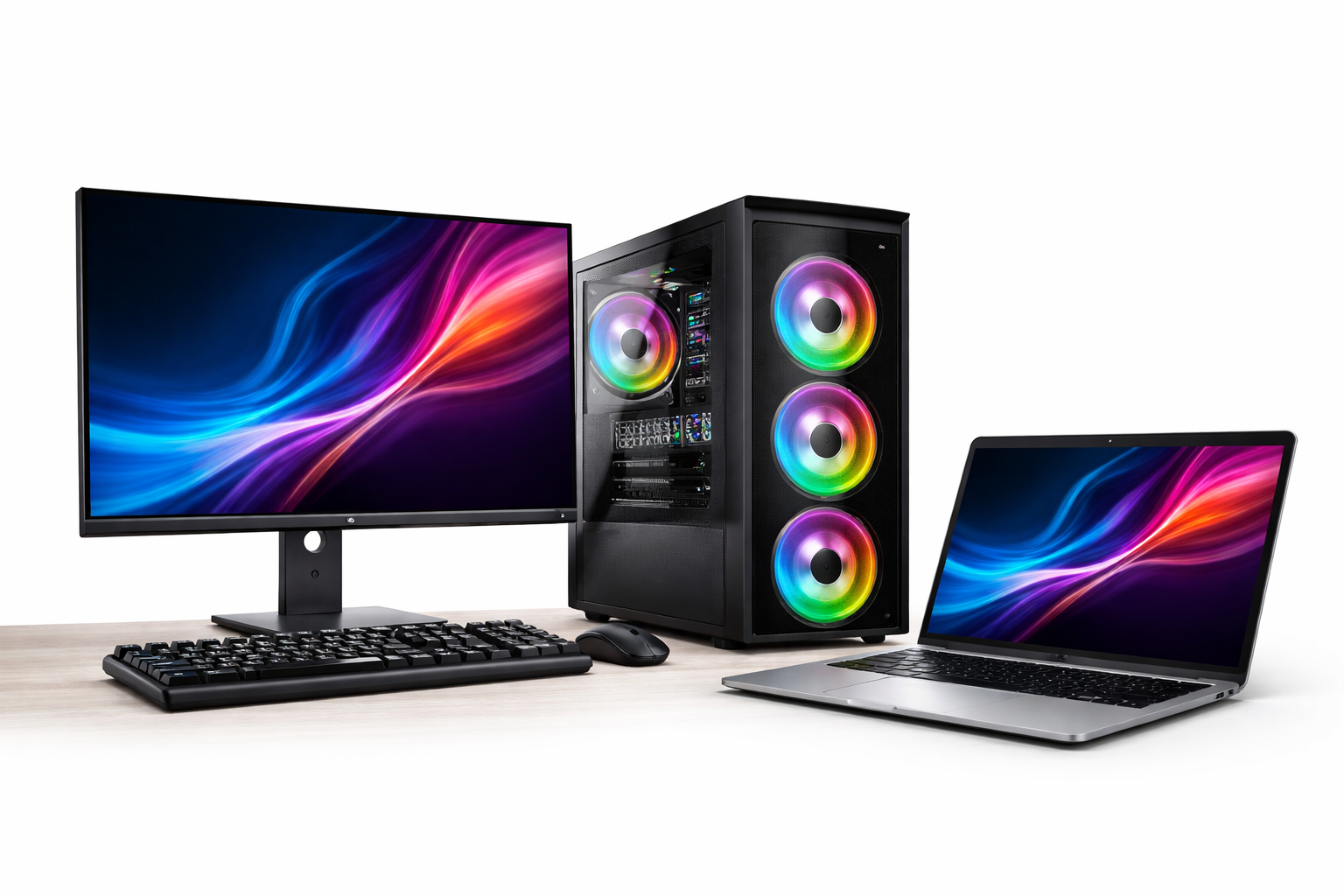
Every home studio starts with a computer.
Your computer runs the DAW, processes audio, loads plugins, and records your sessions. If the computer struggles, the entire workflow becomes frustrating.
You don’t need an extremely expensive machine, but your computer should ideally include:
- a modern multi-core processor
- 16 GB of RAM
- a fast SSD drive
With these basic specifications, most beginner home studios run smoothly and allow you to focus on creativity rather than technical limitations.
The DAW Where Music Comes to Life
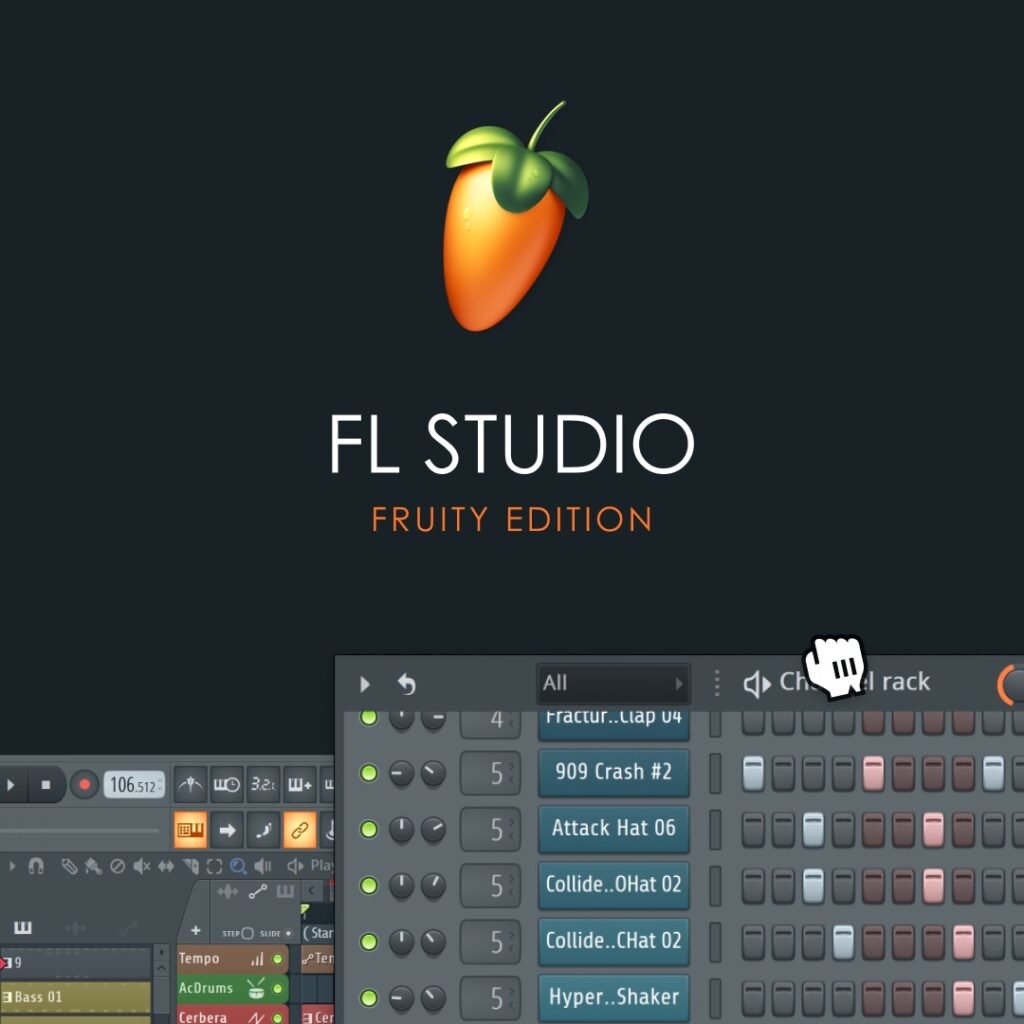
Once the computer is ready, the next essential tool is the Digital Audio Workstation (DAW).
This is the software where you record vocals, create beats, arrange tracks, and mix your music.
Among the many DAWs available today, FL Studio has become one of the most widely used music production platforms in the world.
Its workflow is intuitive, especially for beginners, and its piano roll is considered one of the most powerful tools for composing melodies and rhythms.
Another major advantage is its lifetime free updates. Once you purchase FL Studio, you receive future versions without additional cost.
For many producers starting their first home studio, FL Studio is often the easiest entry point into music production.
The Recording Bundle Focusrite Scarlett Solo Studio (3rd Gen)
Instead of buying every piece of recording equipment separately, many beginners choose an all-in-one recording bundle.
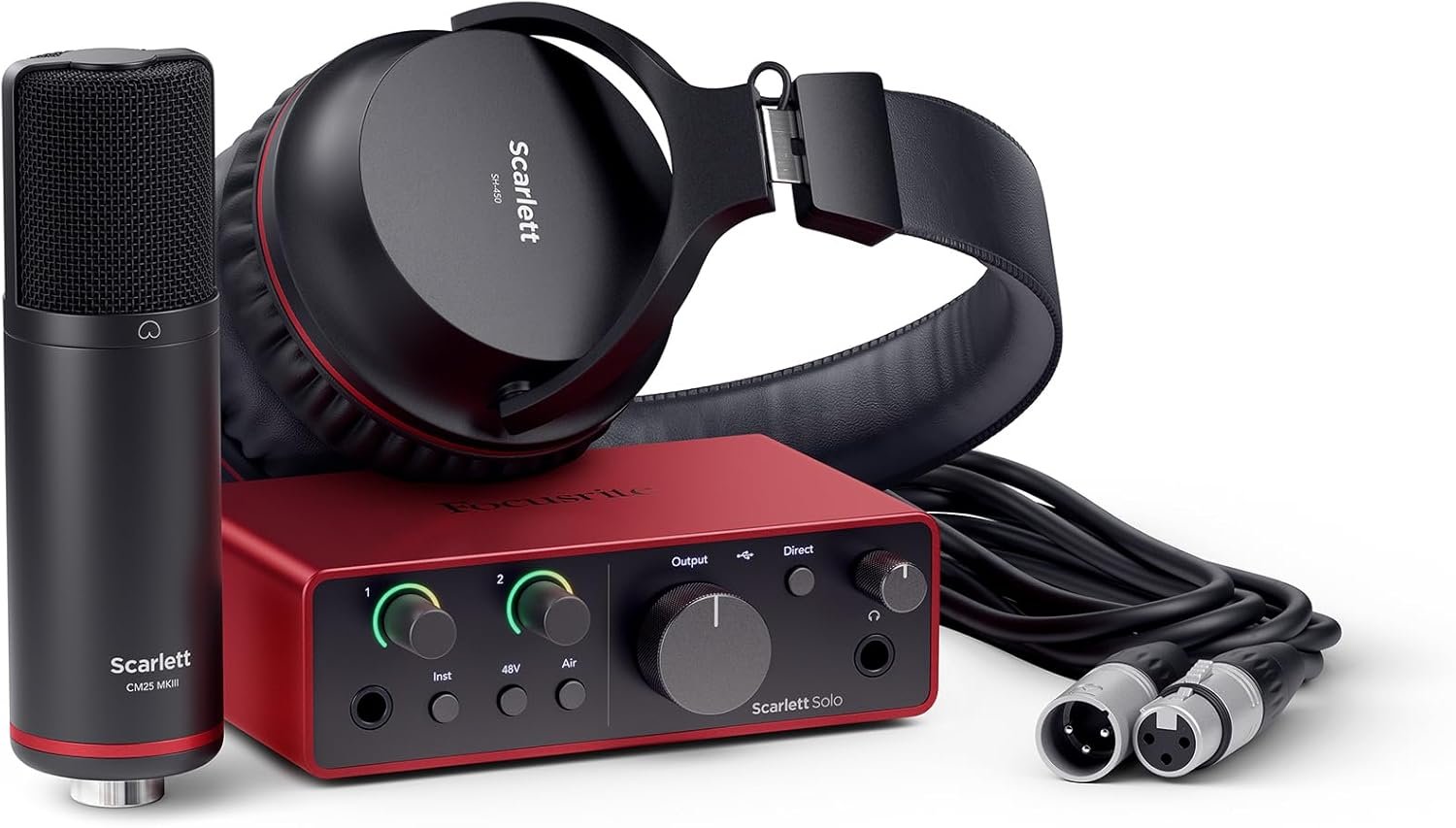
One of the most popular beginner bundles available today is the Focusrite Scarlett Solo Studio 3rd Generation.
This bundle includes everything required to start recording immediately:
- Scarlett Solo audio interface
- CM25 MkIII condenser microphone
- HP60 MkIII studio headphones
- XLR cable and recording software
The Scarlett Solo interface itself has become a standard in home studios because of its clean microphone preamps and reliable drivers.
It records at 24-bit / 192 kHz, which is more than enough resolution for professional audio production.
The included CM25 MkIII microphone captures clear vocals and acoustic instruments, making it perfect for singers, podcasters, or voice recordings.
Meanwhile, the HP60 MkIII headphones allow you to monitor your recordings without sound leaking into the microphone.
For beginners, this bundle removes the complexity of choosing separate components and guarantees that everything works together.
👉 Check the Focusrite Scarlett Solo Studio Bundle on Amazon
Studio Monitors Presonus Eris 3.5 (2nd Gen)
While headphones are useful for recording, mixing music properly requires a pair of studio monitors.
Studio monitors are designed to reproduce sound as accurately as possible, without boosting bass or coloring the audio like consumer speakers.
A very popular choice for beginner studios is the Presonus Eris 3.5 Gen 2.
These compact monitors are widely used in small home studios because they deliver clear mids, controlled bass, and a surprisingly wide stereo image for their size.
They are especially well suited for:
- bedroom studios
- small desks
- beginner mixing setups
Their balanced sound helps producers make better decisions when adjusting vocals, instruments, and overall mix balance.
👉 Check Presonus Eris 3.5 Gen 2 on Amazon
MIDI Controller Akai MPK Mini MK3
For producers who want to create melodies, beats, and virtual instruments, a MIDI controller can make the workflow much more intuitive.
The Akai MPK Mini MK3 is one of the most popular MIDI controllers in the world.
Despite its compact size, it includes:
- 25 velocity-sensitive keys
- 8 drum pads for beat making
- 8 assignable knobs for controlling plugins
This small controller fits perfectly on a desk and integrates easily with DAWs like FL Studio.
It allows producers to play instruments, trigger drums, and control virtual synths in a more musical and expressive way.
👉 Check Akai MPK Mini MK3 on Amazon
Microphone Stand & Accessories
To complete the setup, a stable microphone stand and pop filter are essential.
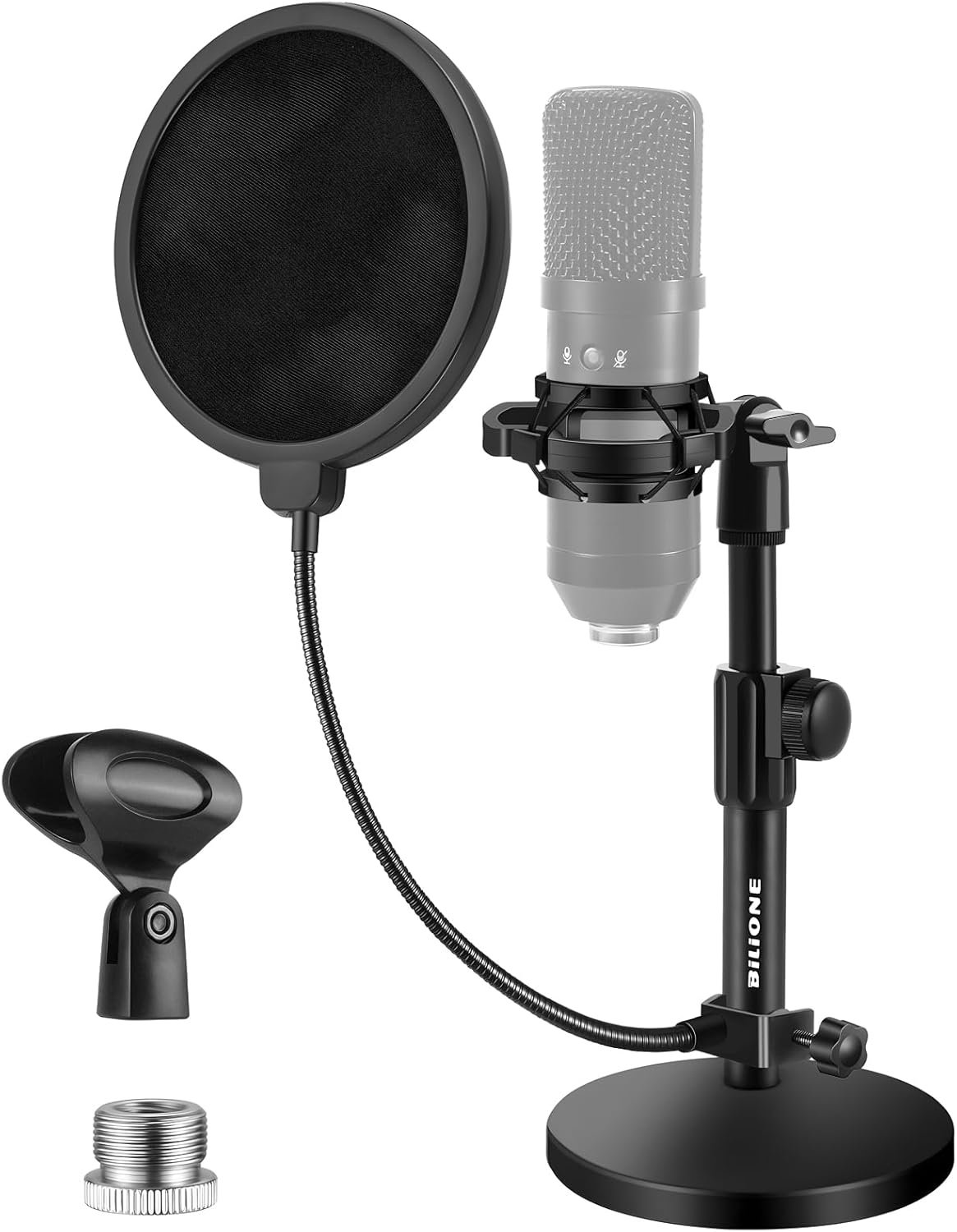
A simple bundle like this beginner microphone stand kit provides everything needed:
- adjustable microphone stand
- pop filter
- shock mount
- microphone clip
These accessories help reduce unwanted vibrations and plosive sounds when recording vocals.
👉 Check the microphone stand bundle on Amazon
Beginner Home Studio Setup Complete Overview
Here is the full setup summarized:
Computer
FL Studio DAW
Focusrite Scarlett Solo Studio Bundle (3rd Gen)
Presonus Eris 3.5 Gen 2 monitors
Akai MPK Mini MK3
Microphone stand bundle
This setup provides everything required to start recording music, podcasts, voiceovers, or beats at home.
Final Thoughts
Starting a home studio does not require expensive or complicated equipment.
With the right tools, even a compact setup can deliver excellent results.
The gear presented in this guide is trusted by thousands of creators because it offers the perfect balance between sound quality, simplicity, and affordability.
The most important investment, however, is not the equipment itself — it is the time spent learning how to use it creatively.
Affiliate Disclosure
This article contains affiliate links. If you purchase through these links, Soundustry may earn a small commission at no additional cost to you.