
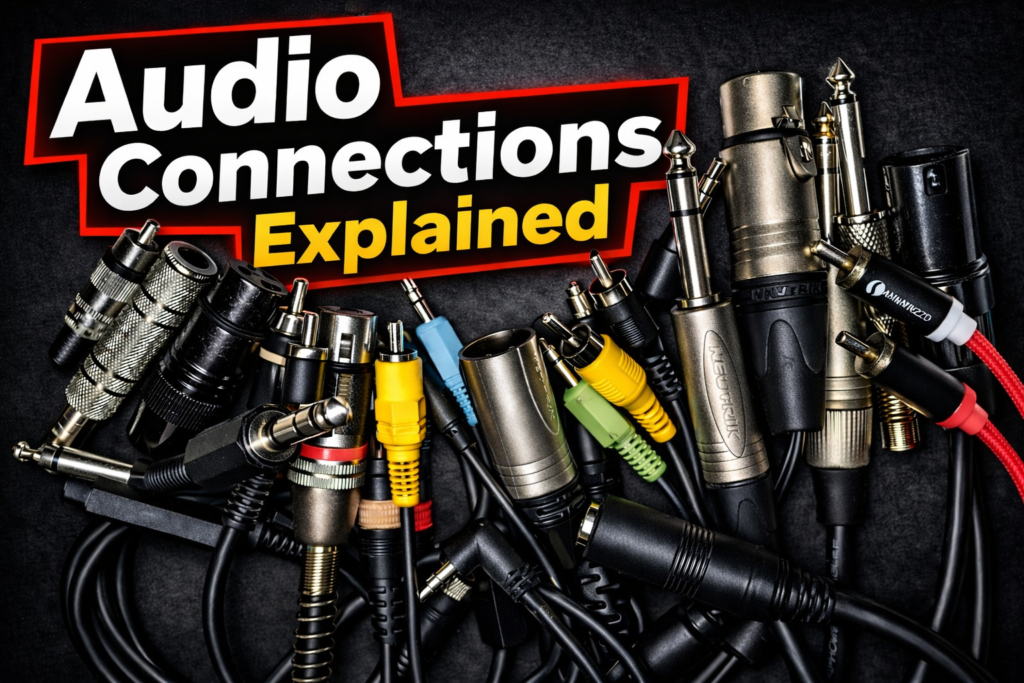
In audio, the quality of a signal does not depend only on microphones, interfaces or speakers.
The way audio travels between devices is just as important.
This is where audio connections and cable types become essential.
Understanding the difference between balanced and unbalanced connections helps avoid noise, interference and signal loss — especially when building a home studio or connecting professional audio equipment.
In this guide, we’ll explore the main types of audio connections and the connectors commonly used in modern audio systems.
Unbalanced Connections
What is an Unbalanced Connection?
An unbalanced connection is the most common type of connection used in consumer audio equipment and many semi-professional systems.
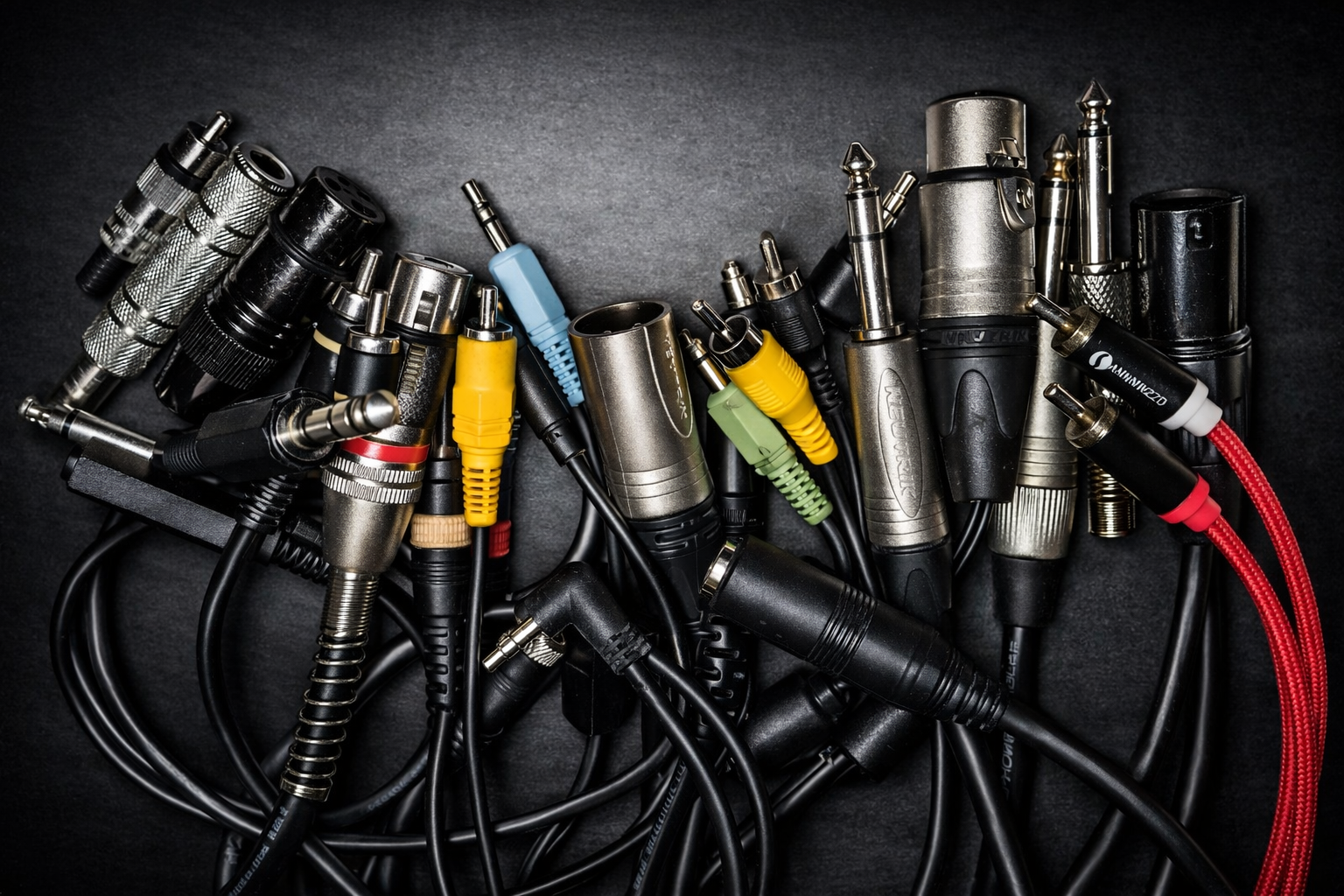
In this configuration, the audio signal travels through two conductors:
- one conductor carries the audio signal
- the other conductor serves as ground (shield)
Typically, the cable used is a coaxial cable, where the central conductor carries the signal and the surrounding metallic shield protects the signal from external electromagnetic interference.
However, this shielding cannot eliminate interference completely.
Because of this limitation, unbalanced connections should generally remain shorter than about 10 meters. Beyond that distance, the signal may accumulate noise and become degraded.
In English, this type of connection is called an unbalanced line.
Common Unbalanced Connectors
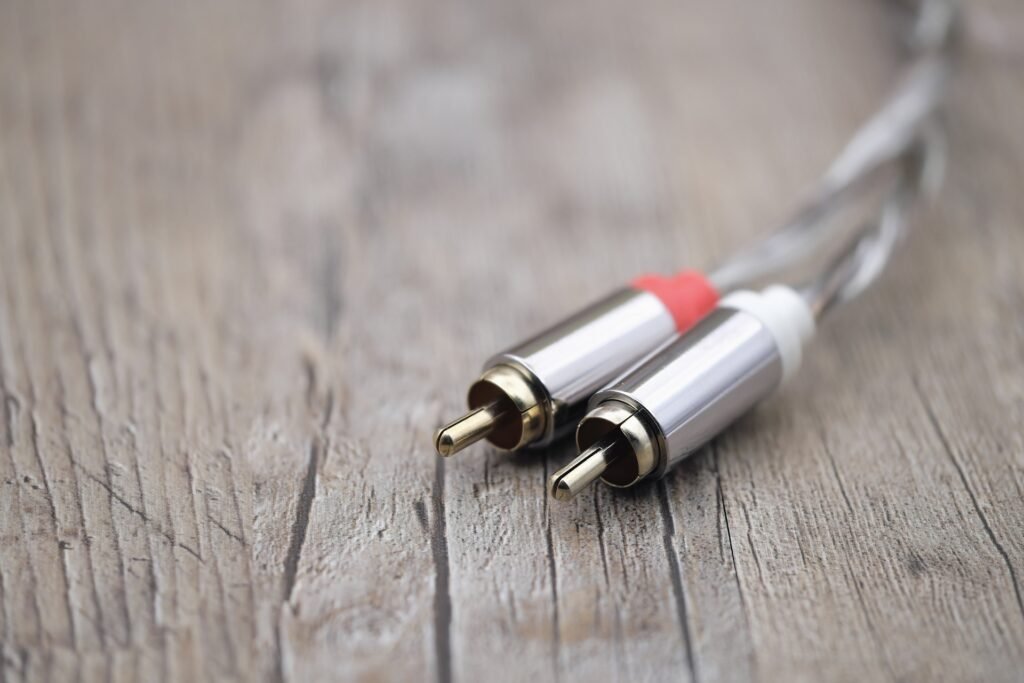
RCA Connector
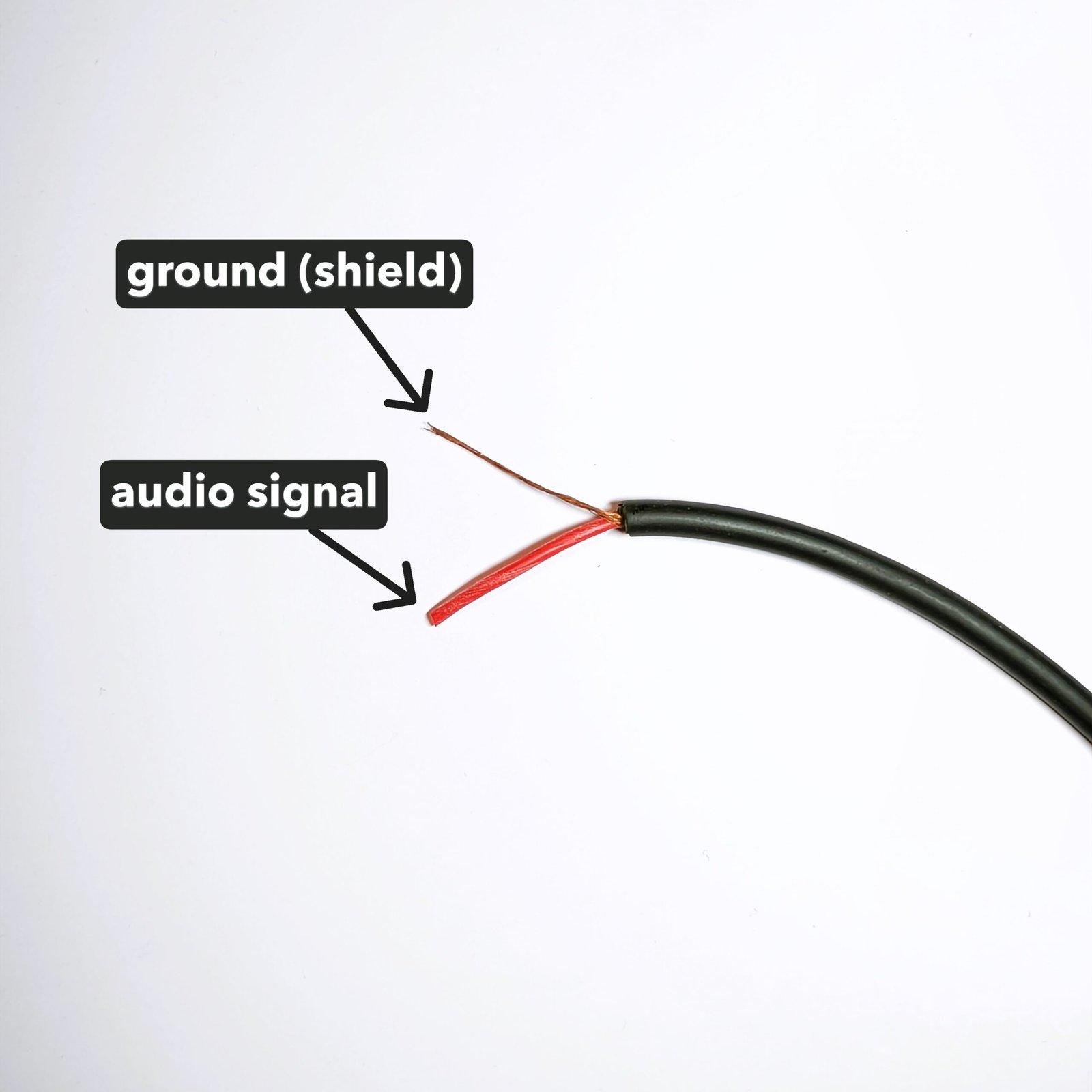
The RCA connector (Radio Corporation of America), also known as Cinch, is widely used in consumer audio and video equipment.
You will typically find RCA connectors on:
- Hi-Fi systems
- CD players
- DVD players
- home cinema equipment
- DJ gear
RCA connectors are often color coded:
- Red → right audio channel
- White → left audio channel
- Yellow → composite video signal
Each RCA cable carries one mono signal, which means stereo requires two cables.
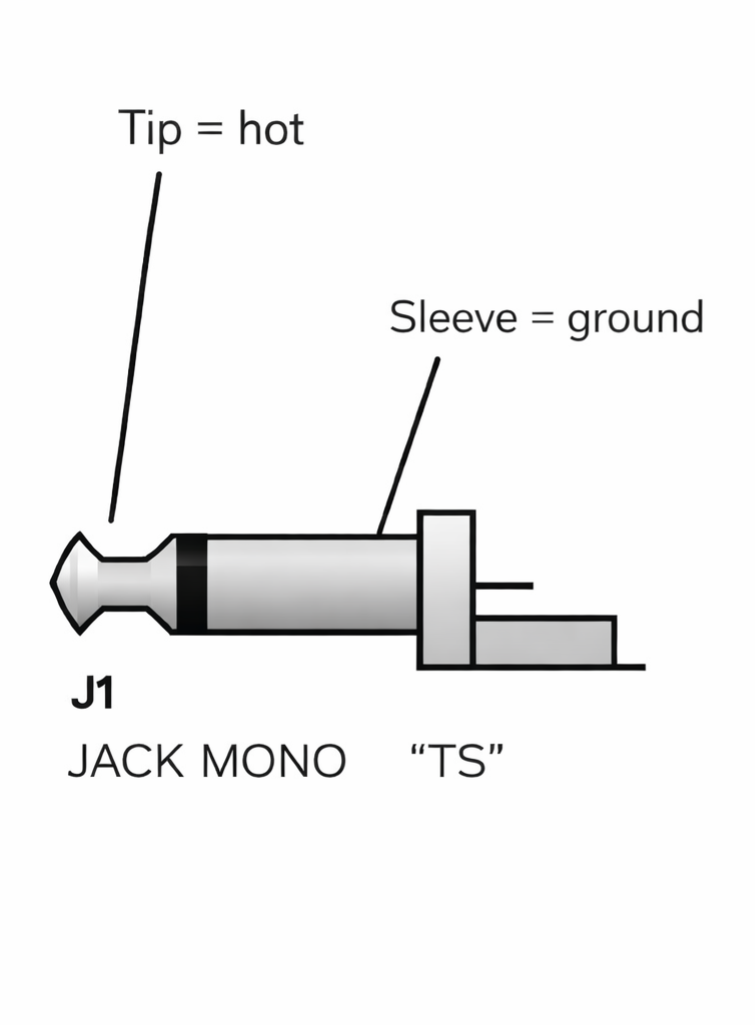
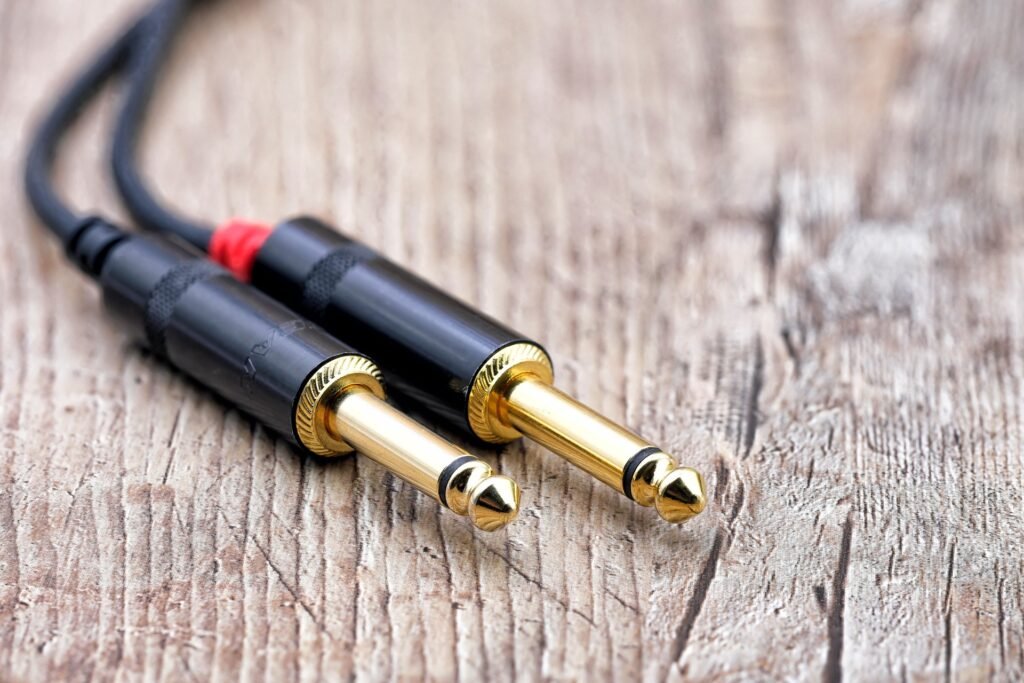
TS Jack Connector
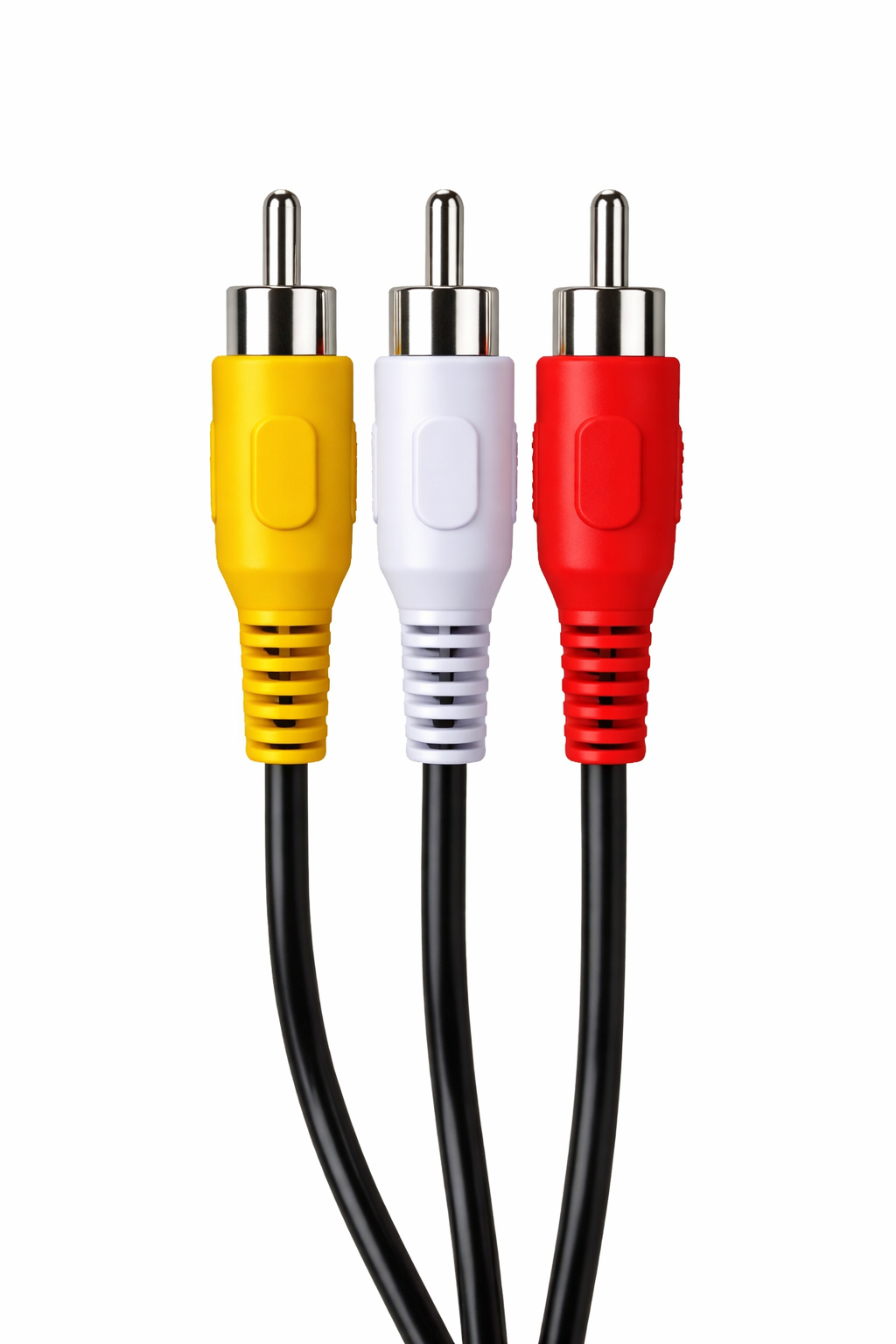
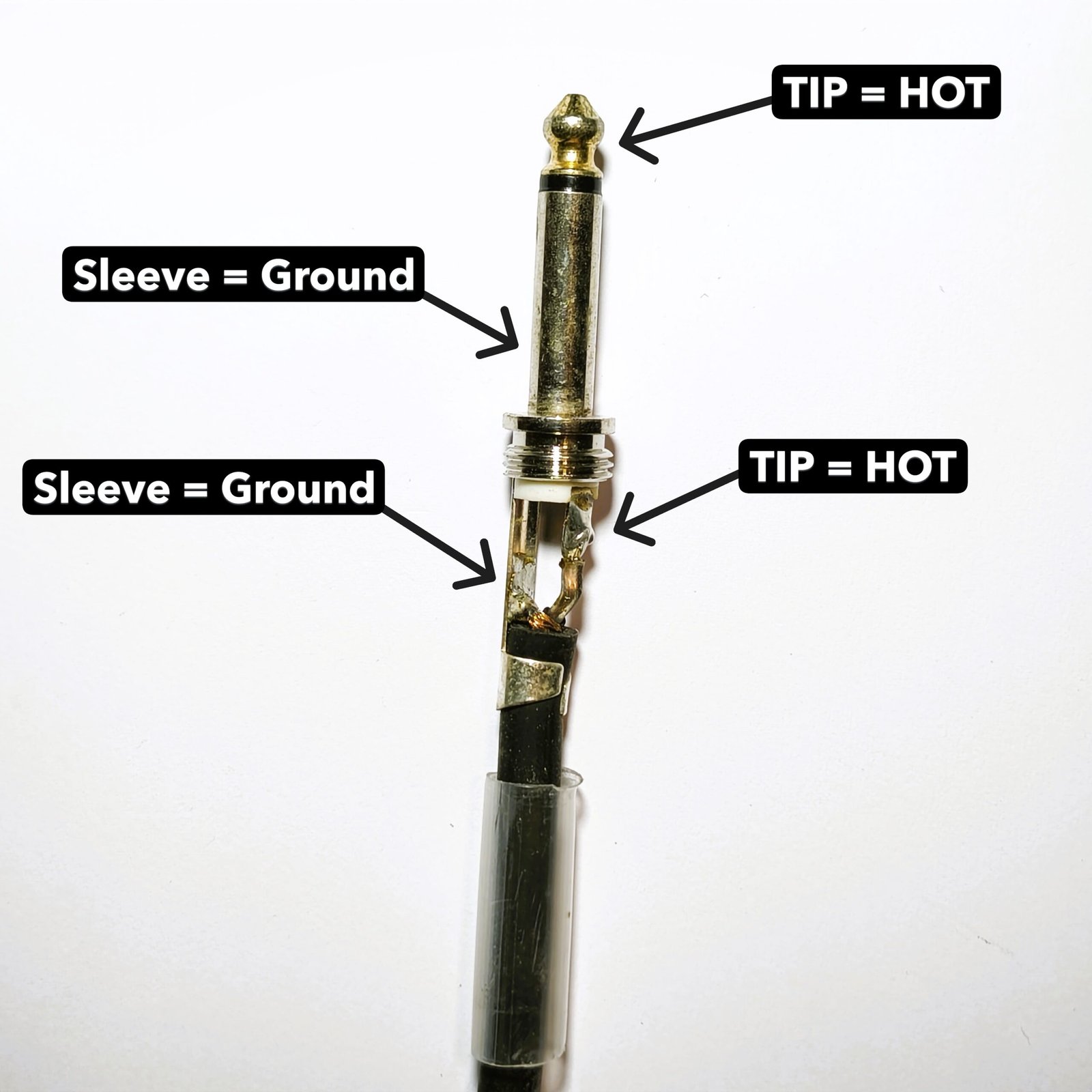
Another common unbalanced connector is the TS jack.
TS stands for:
- Tip
- Sleeve
The Tip carries the audio signal, while the Sleeve is connected to ground.
TS connectors are commonly found on:
- guitars
- keyboards
- some mixers
- audio equipment outputs
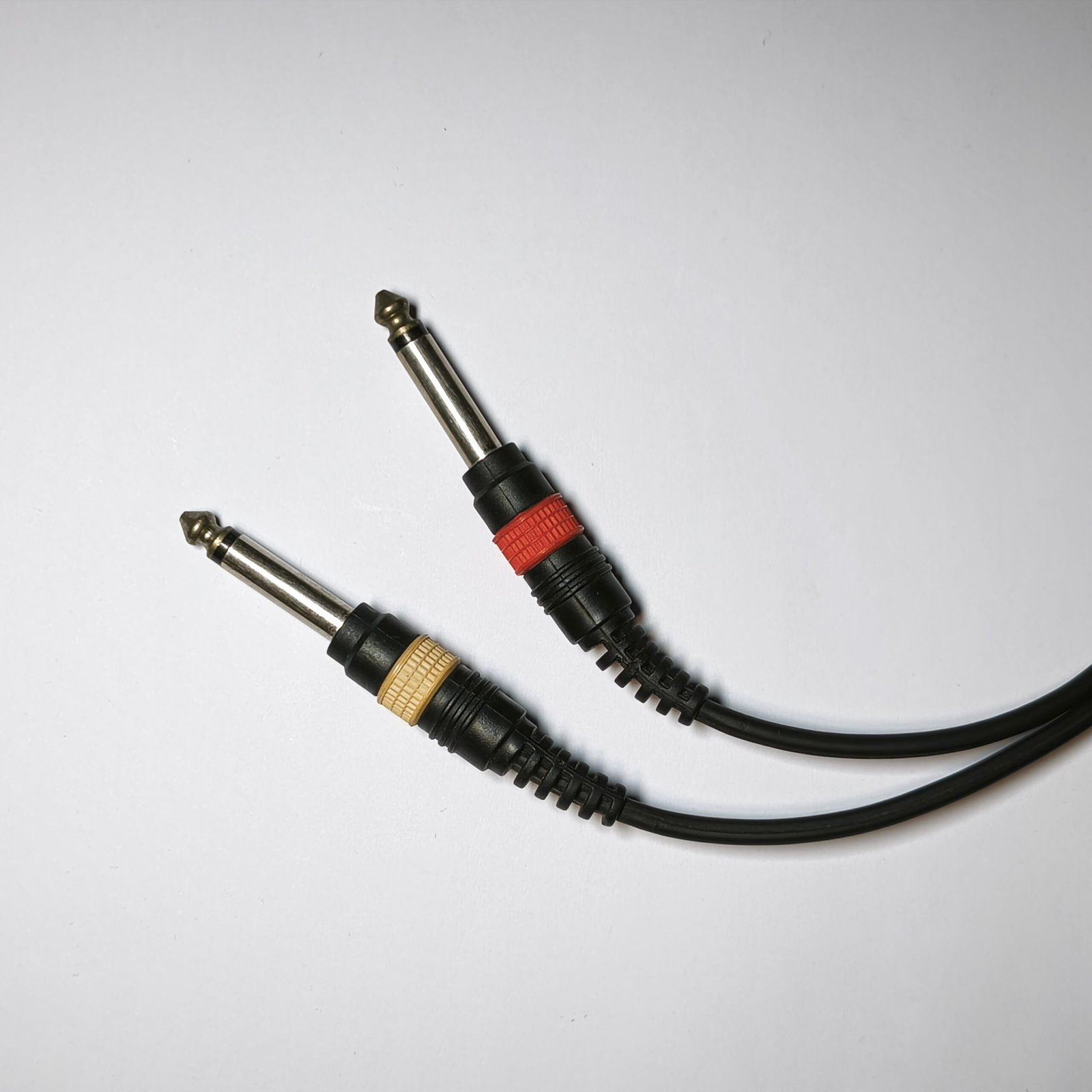
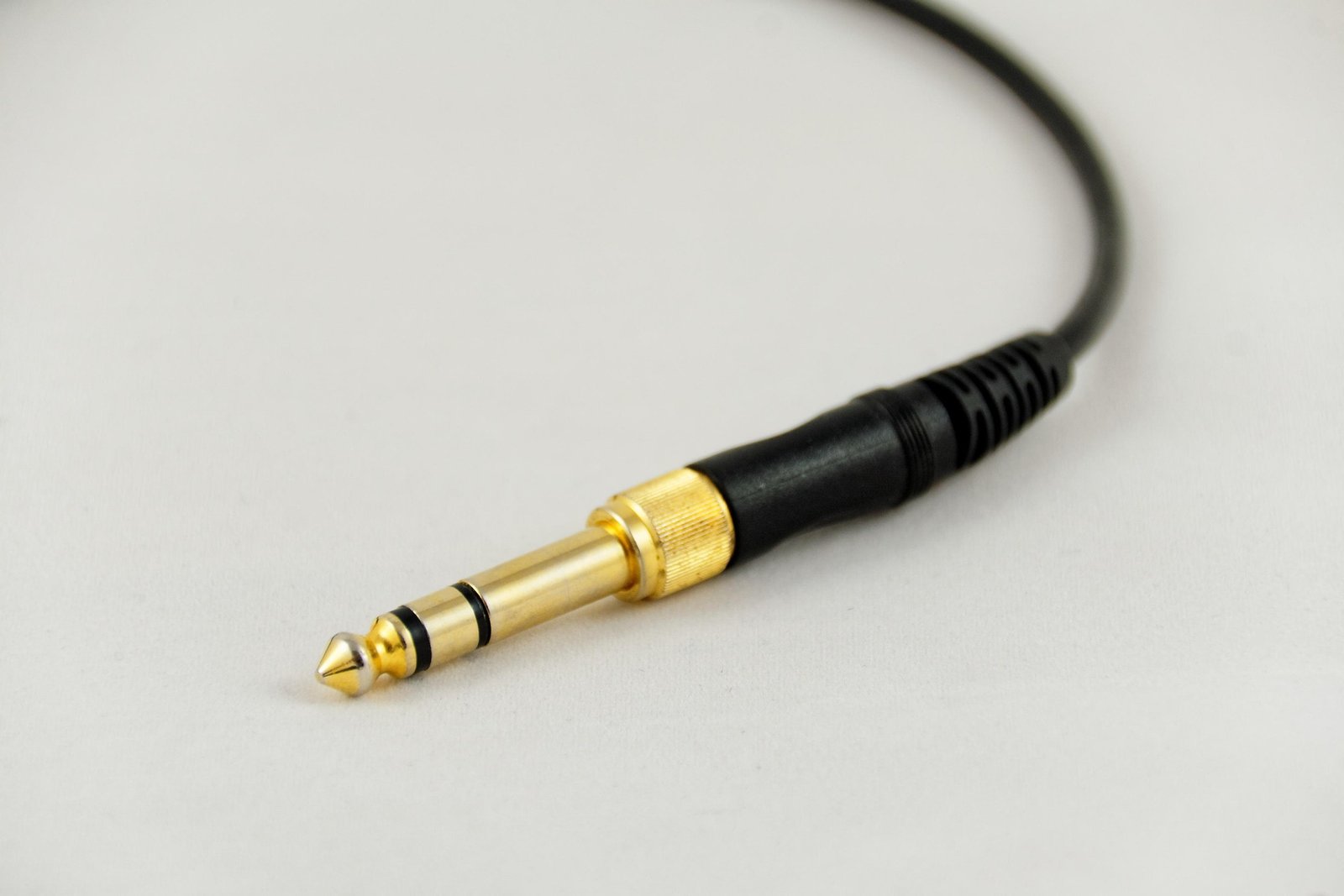
You can easily distinguish a TS jack from a TRS jack by looking at the black rings on the connector:
- 1 ring → TS (unbalanced)
- 2 rings → TRS
Balanced Connections
What is a Balanced Connection?
A balanced connection is designed to significantly reduce interference and noise.
Compared to unbalanced cables, balanced connections can reject interference by 50 dB or more, sometimes reaching 80 dB of common-mode rejection in professional systems.
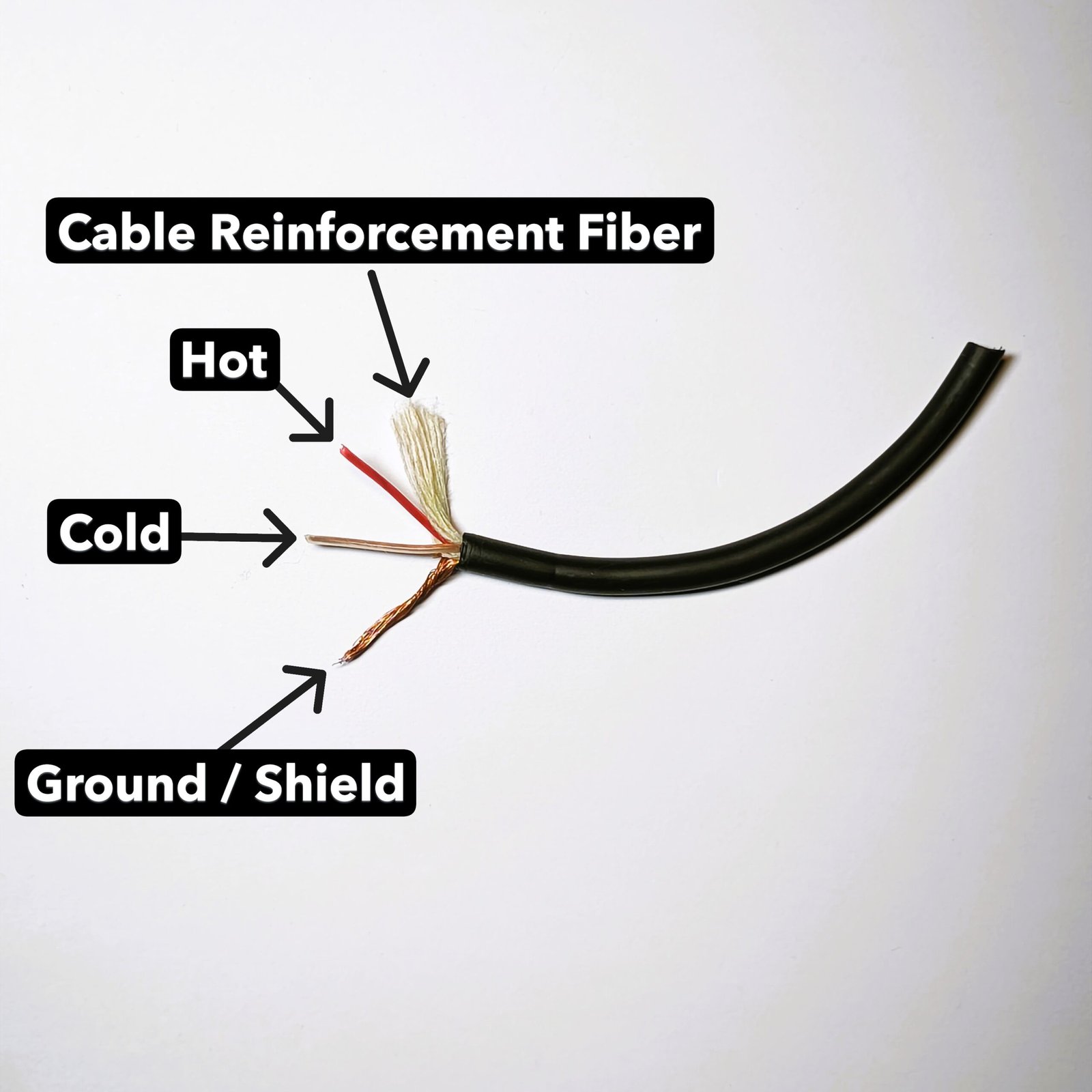
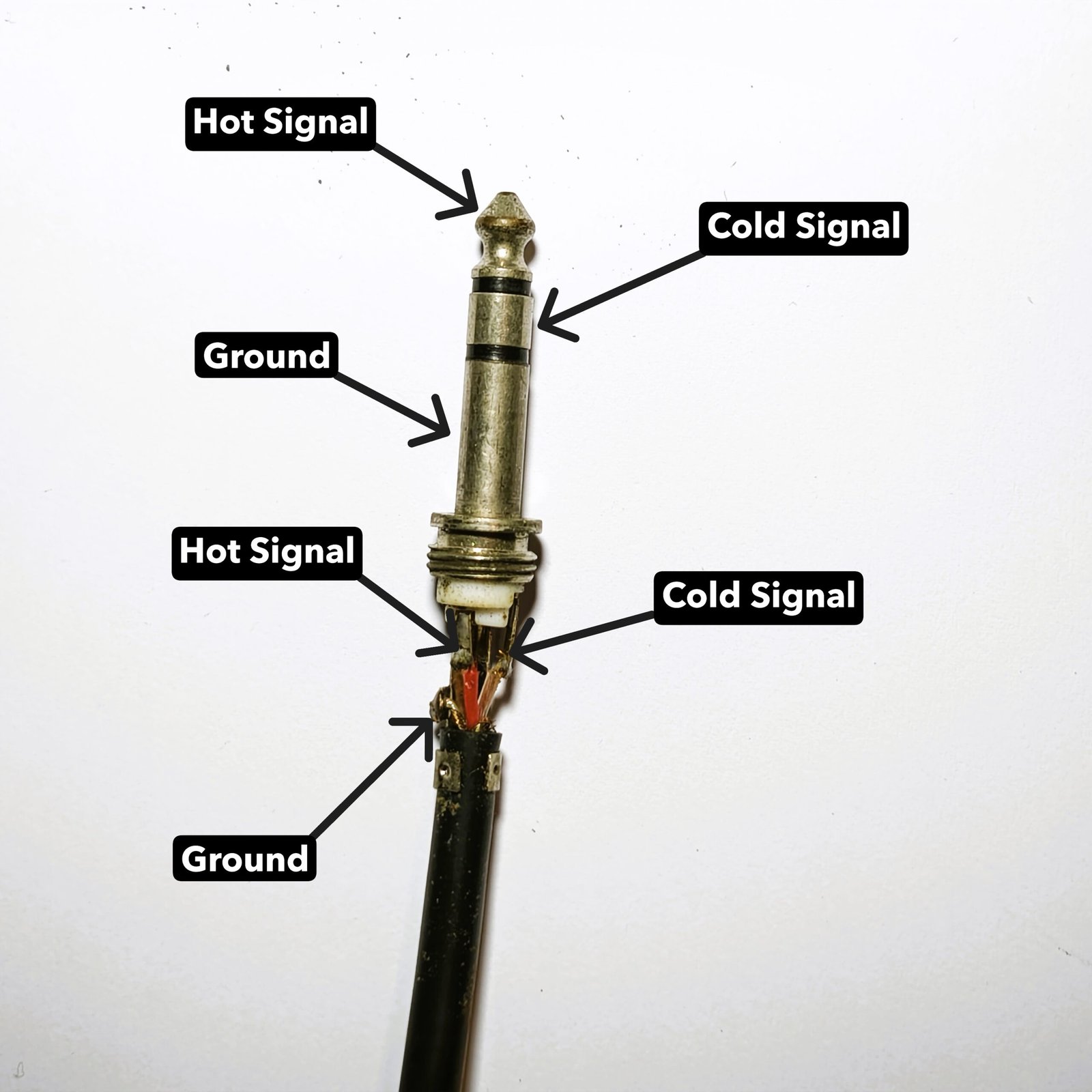
Balanced cables contain three conductors:
- Hot (positive signal)
- Cold (inverted signal)
- Ground / Shield
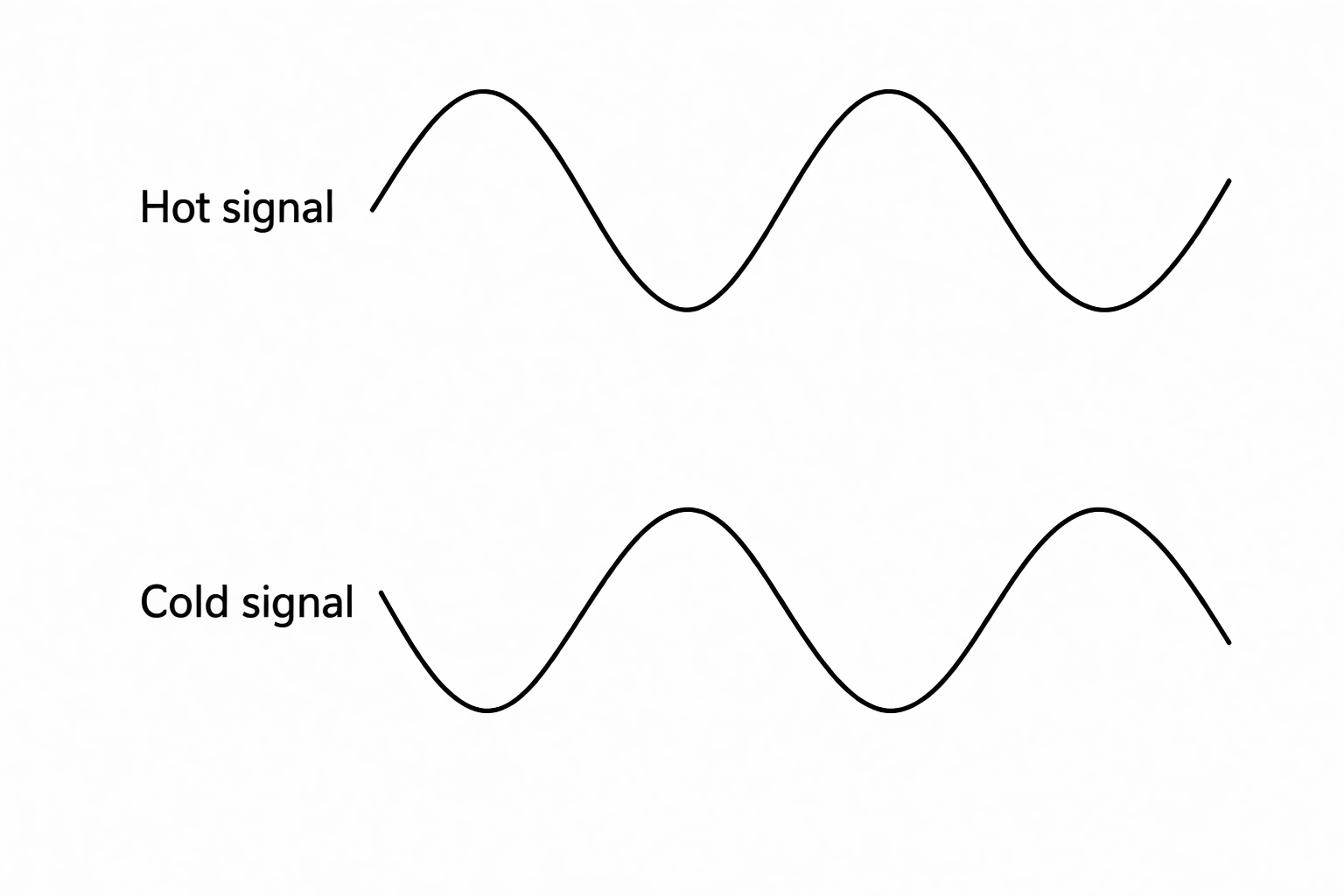
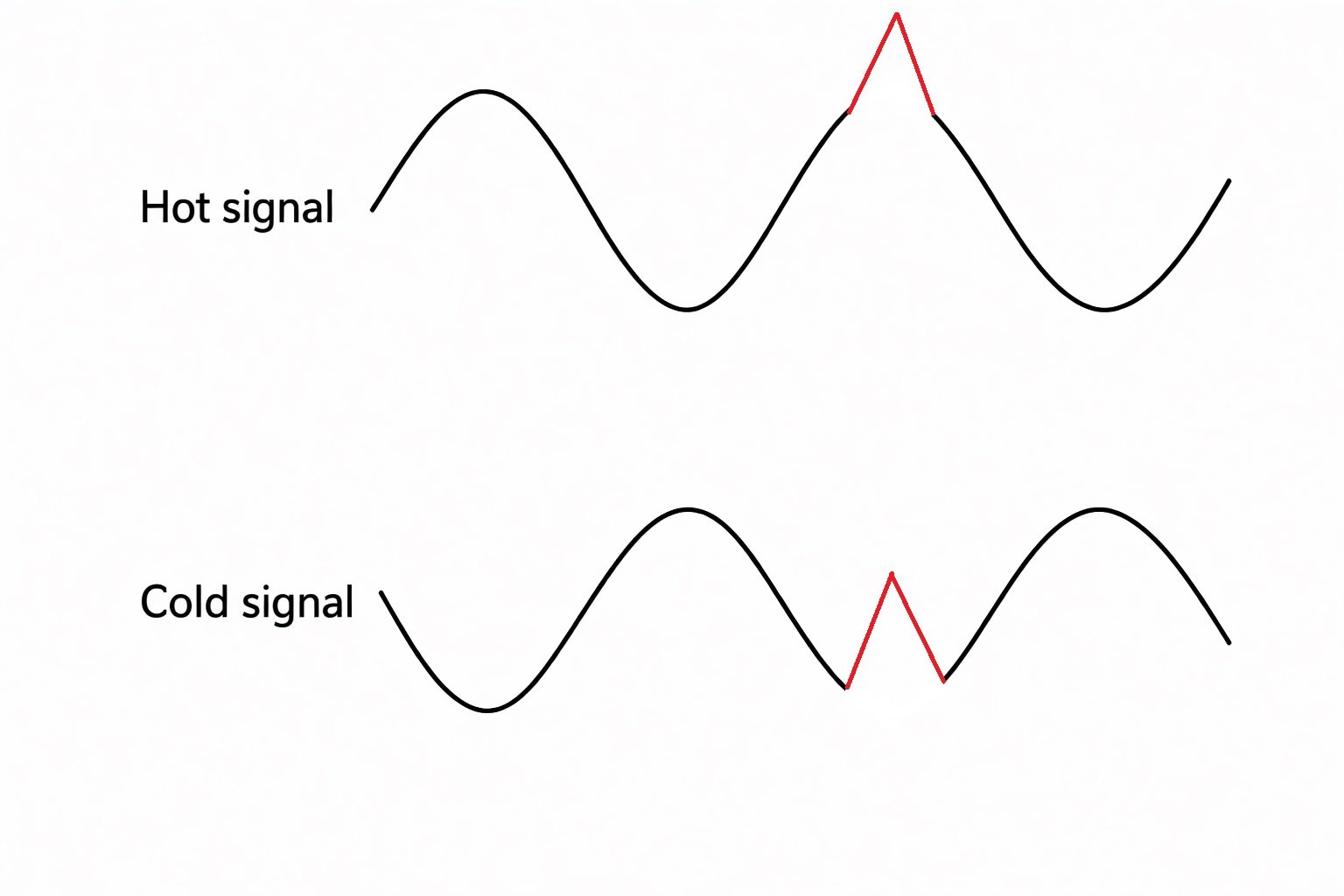
The signal is sent through both the hot and cold conductors, but the cold signal is phase inverted.
If external interference enters the cable, it affects both conductors equally.
When the signal reaches the input of an audio device (for example a mixer or audio interface), the system subtracts the two signals.
This process cancels the noise that is present on both conductors. This phenomenon is called Common Mode Rejection.
The effectiveness of this noise cancellation is measured by the CMRR (Common Mode Rejection Ratio).
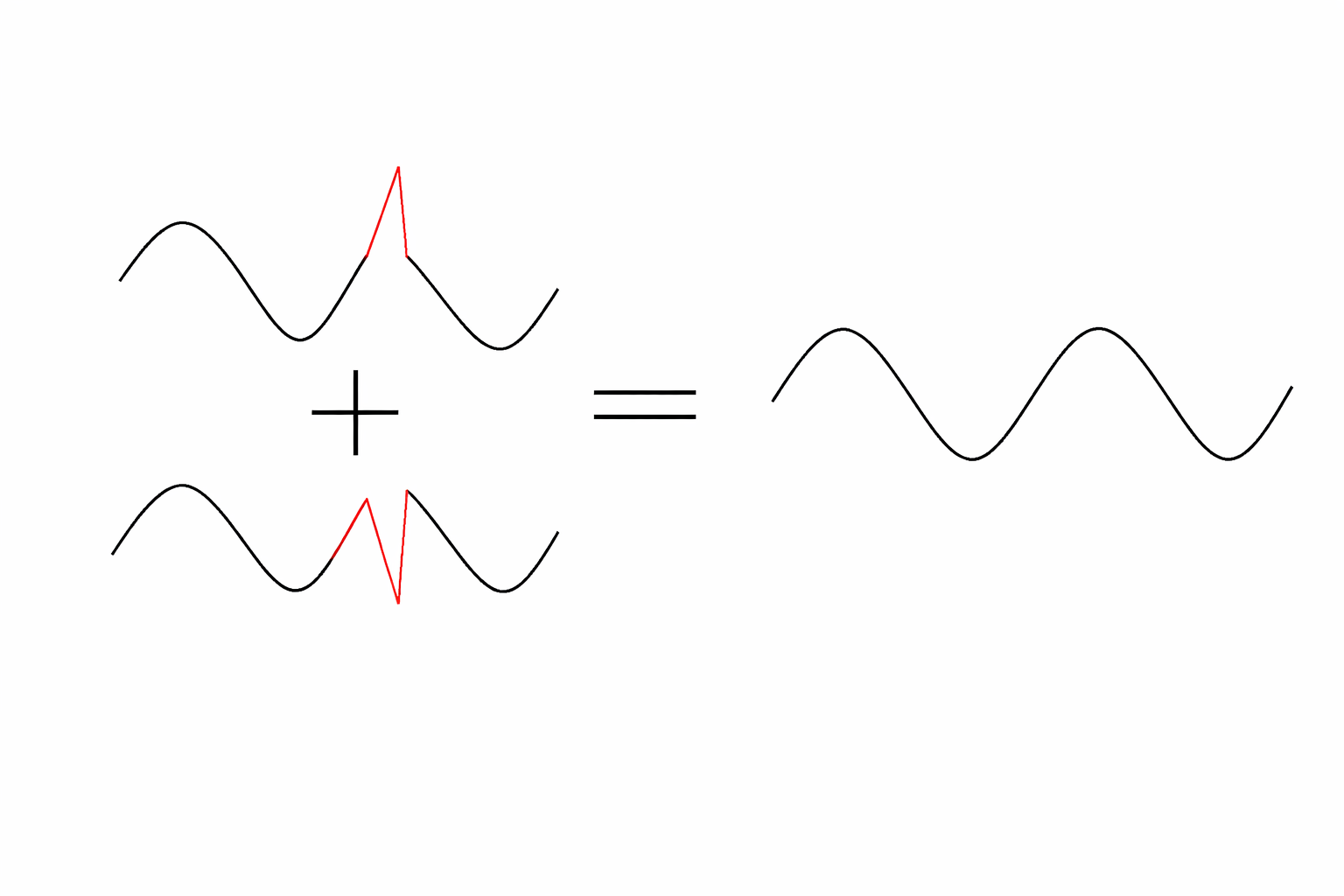
Balanced connections are therefore ideal for:
- long cable runs
- studio environments
- professional audio installations
- live sound systems
Balanced Connectors
XLR Connector
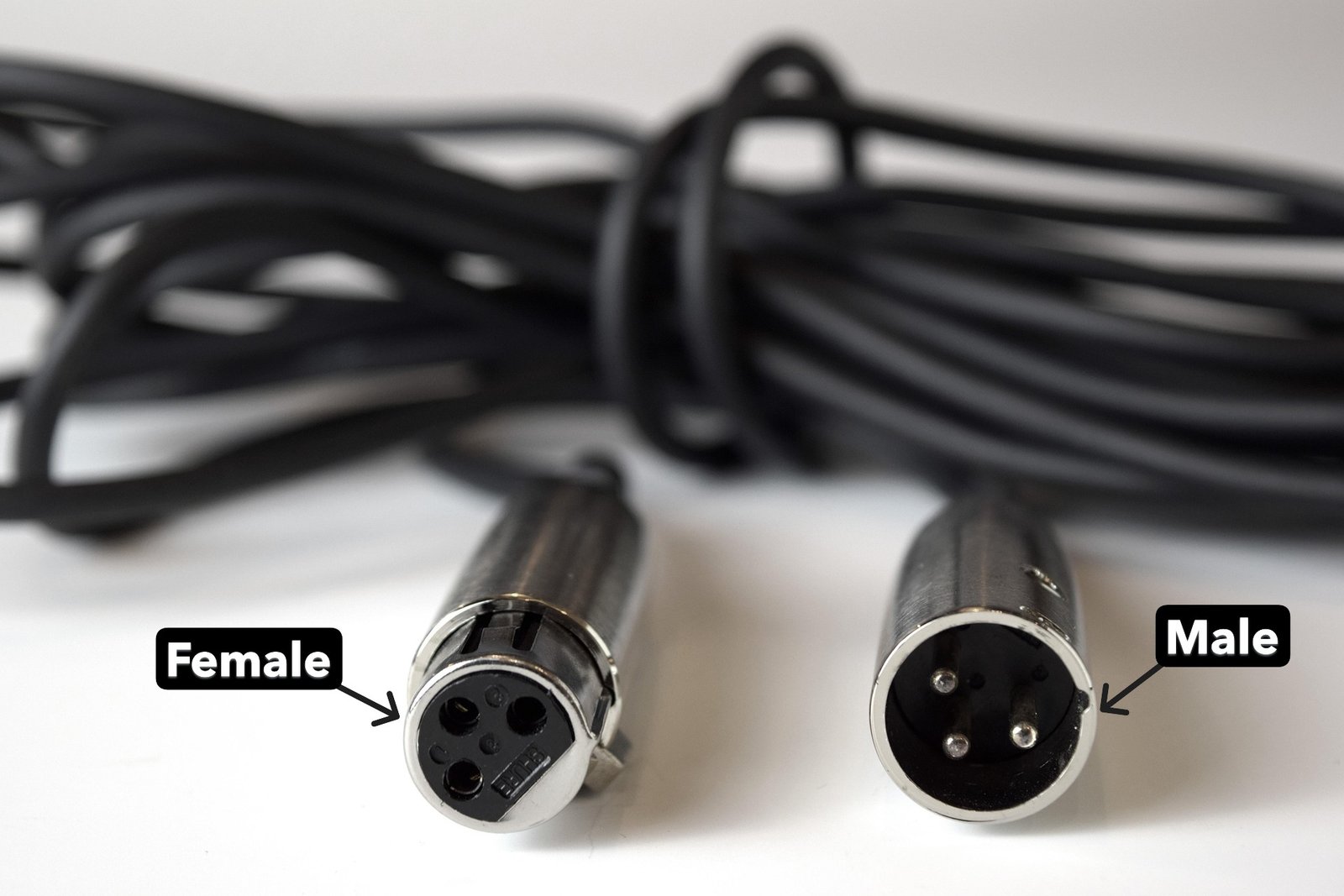
The XLR connector is the most widely used connector in professional audio.
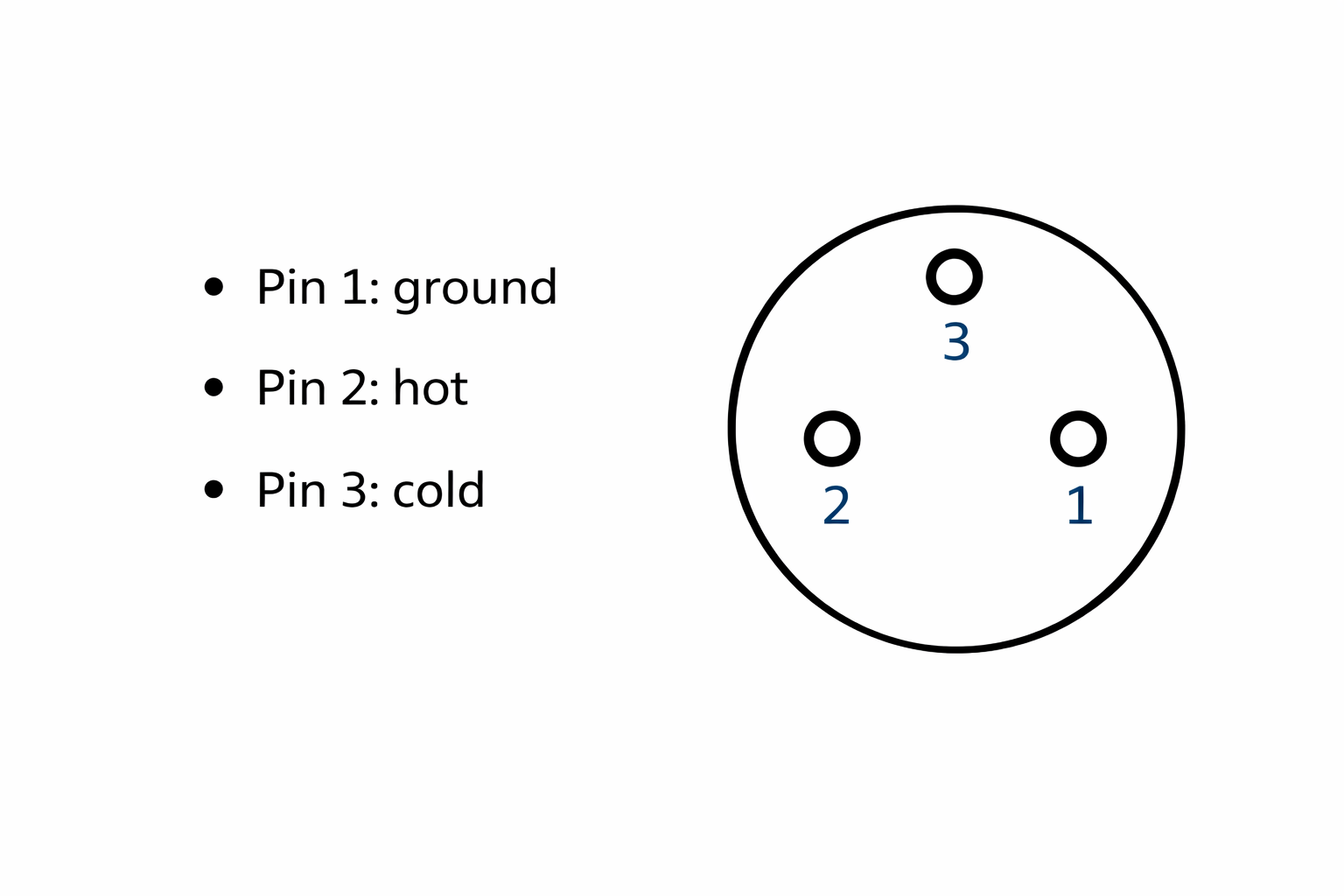
It features three pins:
- Pin 1 → Ground
- Pin 2 → Hot signal (+)
- Pin 3 → Cold signal (−)
XLR connectors are commonly used for:
- microphones
- audio interfaces
- mixing consoles
- professional studio equipment
- live sound systems
By convention:
- Male connectors indicate an output
- Female connectors indicate an input
This standard helps technicians identify the direction of signal flow quickly.
TRS Jack Connector
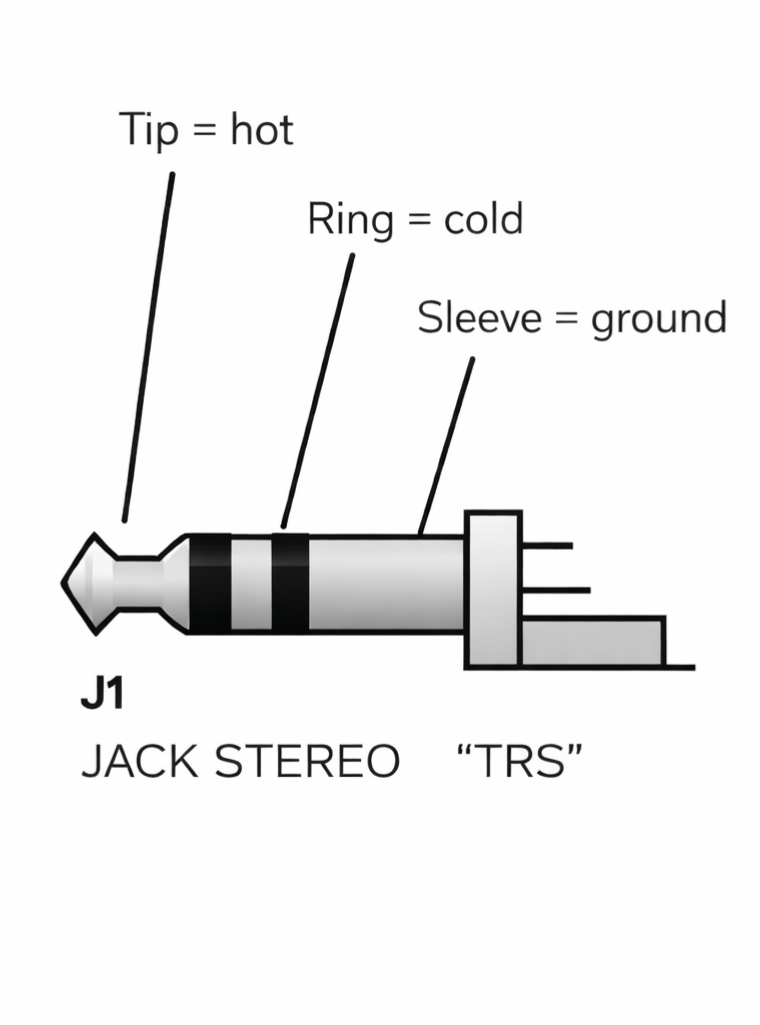
The TRS jack (Tip-Ring-Sleeve) can also carry a balanced signal.
Its conductors are:
- Tip (T) → hot signal
- Ring (R) → cold signal
- Sleeve (S) → ground
TRS connectors are widely used on:
- studio monitors
- audio interfaces
- patchbays
- professional audio equipment
They look similar to headphone jacks but may carry balanced mono signals.
Mono vs Stereo Connections
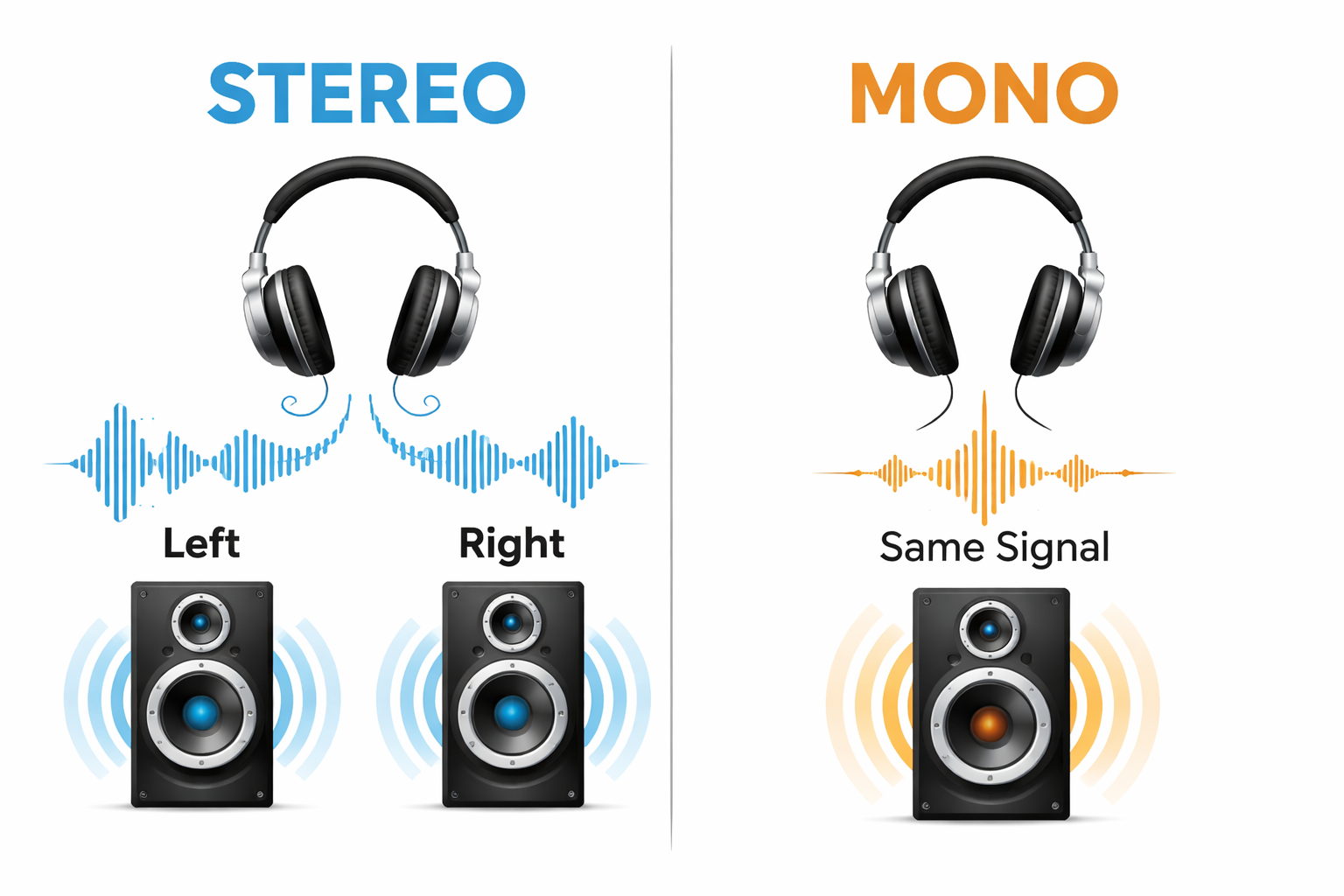
Another important concept in audio connections is the difference between mono and stereo signals.
Unbalanced Mono and Stereo
To transport a mono unbalanced signal, a cable requires two conductors:
- signal
- ground
This is the case with:
- RCA
- TS jack
To transport stereo audio using unbalanced connections, you need:
- three conductors
Example:
- left channel
- right channel
- ground
This is why a TRS jack is often used for stereo signals such as headphones.
In contrast, a single RCA or TS cable only carries mono, so stereo requires two cables.
Balanced Mono and Stereo
Balanced connections are typically used to carry mono signals.
A balanced mono signal requires three conductors:
- hot
- cold
- ground

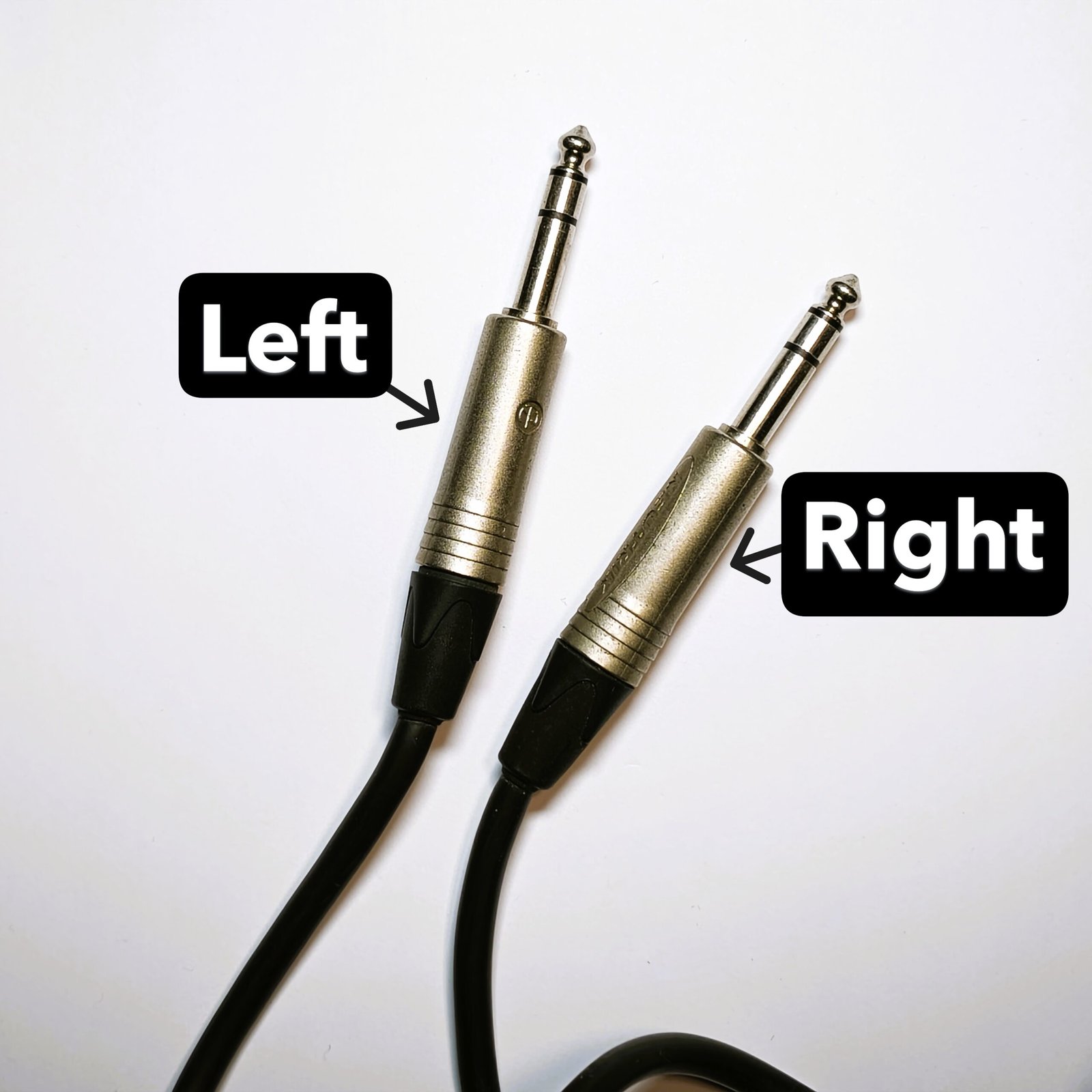
For stereo balanced audio, two balanced cables are required.
This means a total of six conductors (three for each channel).
This configuration is common when connecting:
- audio interfaces to studio monitors
- mixing consoles to professional equipment
- stage equipment in live sound systems
Why Understanding Audio Connections Matters
Understanding the difference between balanced and unbalanced connections is essential for anyone working with audio equipment.
Choosing the right cable type helps prevent:
- unwanted noise
- signal degradation
- interference
- grounding problems
Whether you’re setting up a home studio, connecting Hi-Fi equipment, or working in a professional audio environment, proper audio connections ensure that your signal remains clean and reliable.
Sometimes, the difference between a noisy system and a professional-sounding setup simply comes down to using the right cable.